Call queues in Microsoft Teams direct callers to individuals in your organization who can assist with specific issues or questions. Calls are distributed one by one to the people in the queue, who are known as agents.
Teams call queues offer:
Below, we explain two methods for creating a Teams call queue:
Use modern authentication for secure access to Teams and Entra ID:
Connect-MicrosoftTeams
Connect-AzureAD
Note: If you are moving to Microsoft Graph modules, see getting started with Microsoft Graph PowerShell.
To upload custom music or greeting audio, ensure your audio files are mono, PCM, and either 8 or 16 kHz in .wav format (required by Teams). Replace d:\ in the sample path as needed:
$content = [System.IO.File]::ReadAllBytes('d:\sales-hold-in-queue-music.wav')
$audioFileSalesHoldInQueueMusicID = (
  Import-CsOnlineAudioFile -ApplicationID HuntGroup `
  -FileName "sales-hold-in-queue-music.wav" `
  -Content $content
).ID
Obtain the Teams identities of your intended queue agents:
$userAdeleID = (Get-CsOnlineUser -Identity "sip:adele@contoso.com").Identity
$userSalesBillID = (Get-CsOnlineUser -Identity "sip:bill@contoso.com").Identity
$userSalesMaryID = (Get-CsOnlineUser -Identity "sip:mary@contoso.com").Identity
New-CsCallQueue -Name "Sales" -AgentAlertTime 15 -AllowOptOut $true `
  -MusicOnHoldAudioFileID $audioFileSalesHoldInQueueMusicID `
  -OverflowAction Forward -OverflowActionTarget $userAdeleID `
  -OverflowThreshold 200 -TimeoutAction Forward -TimeoutActionTarget $userAdeleID `
  -TimeoutThreshold 120 -RoutingMethod Attendant -ConferenceMode $true `
  -Agents @($userSalesBillID, $userSalesMaryID) -LanguageID "en-US"
For more details, refer to Microsoft’s official call queue PowerShell documentation.
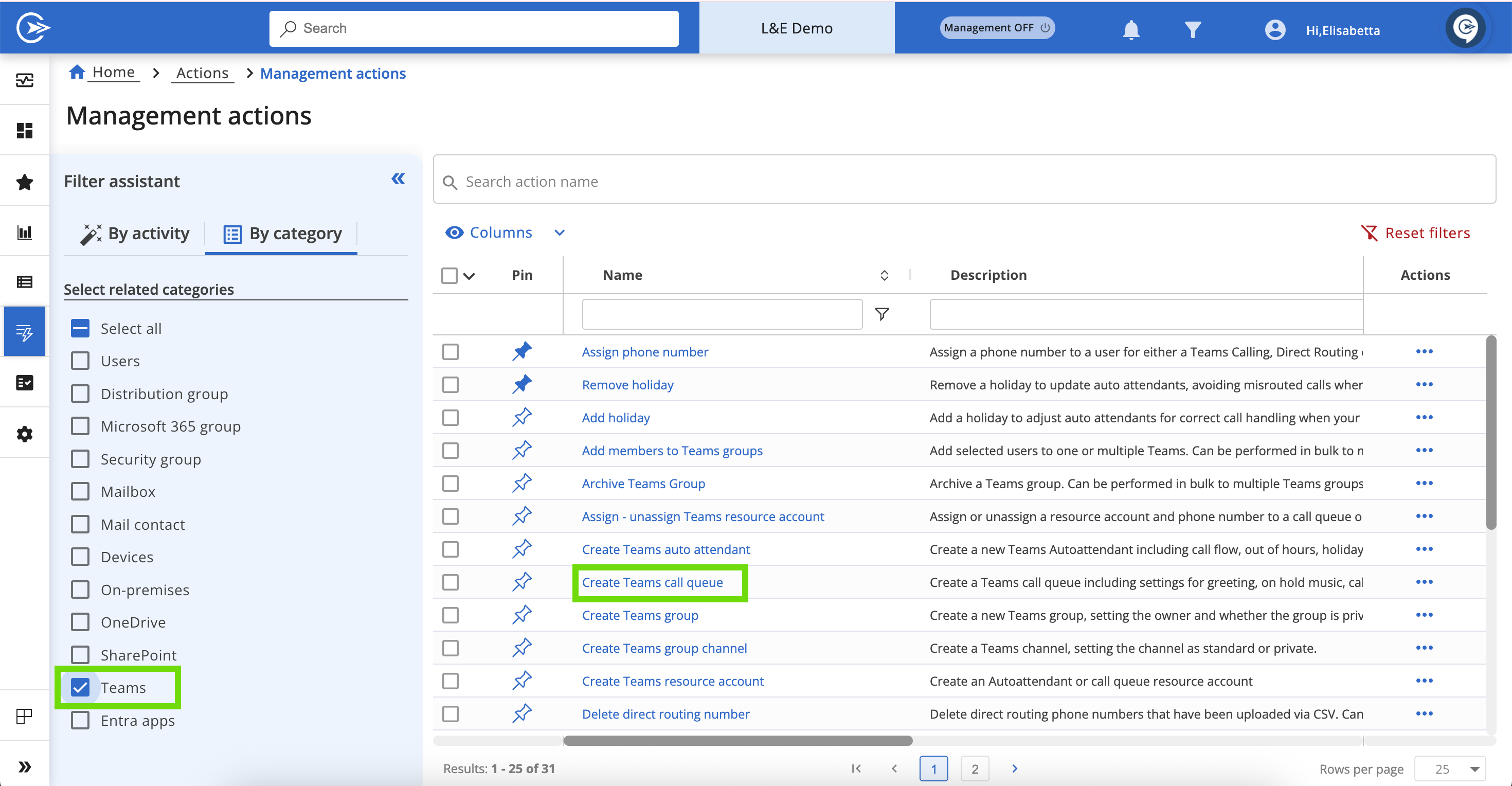
Let's take a detailed look at all the steps you'll need to complete in the wizard:
In this section, you will have to fill out the following fields:
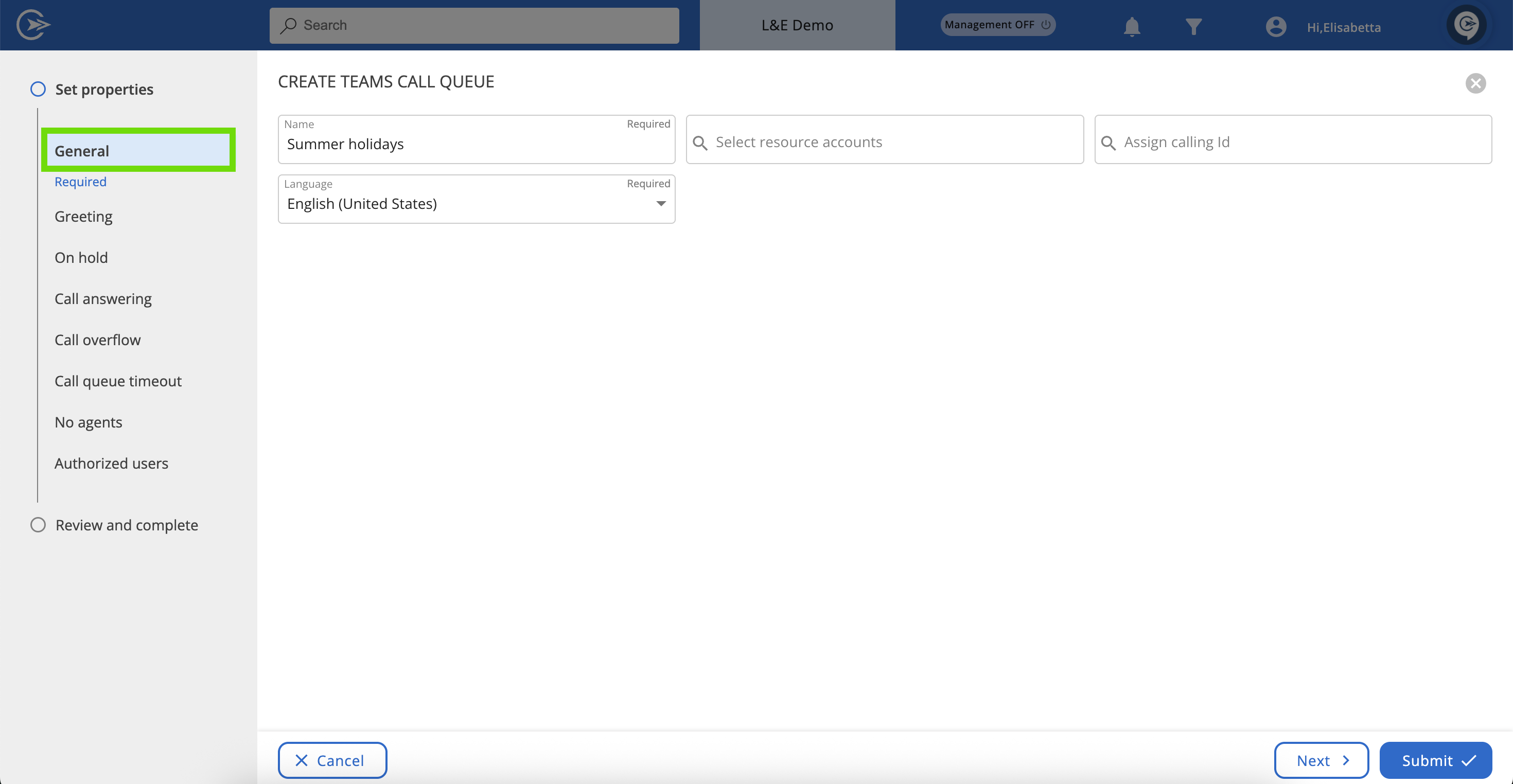
Resource Accounts are special Entra ID objects (you can think of them as Microsoft 365 User Accounts) that can only be created from the Teams Admin Center or via Teams PowerShell. You can't create these accounts in Microsoft 365 Admin or Entra ID. For more details, please refer to the Manage resource accounts for service numbers Microsoft article.
In this section, you can choose one of the following:
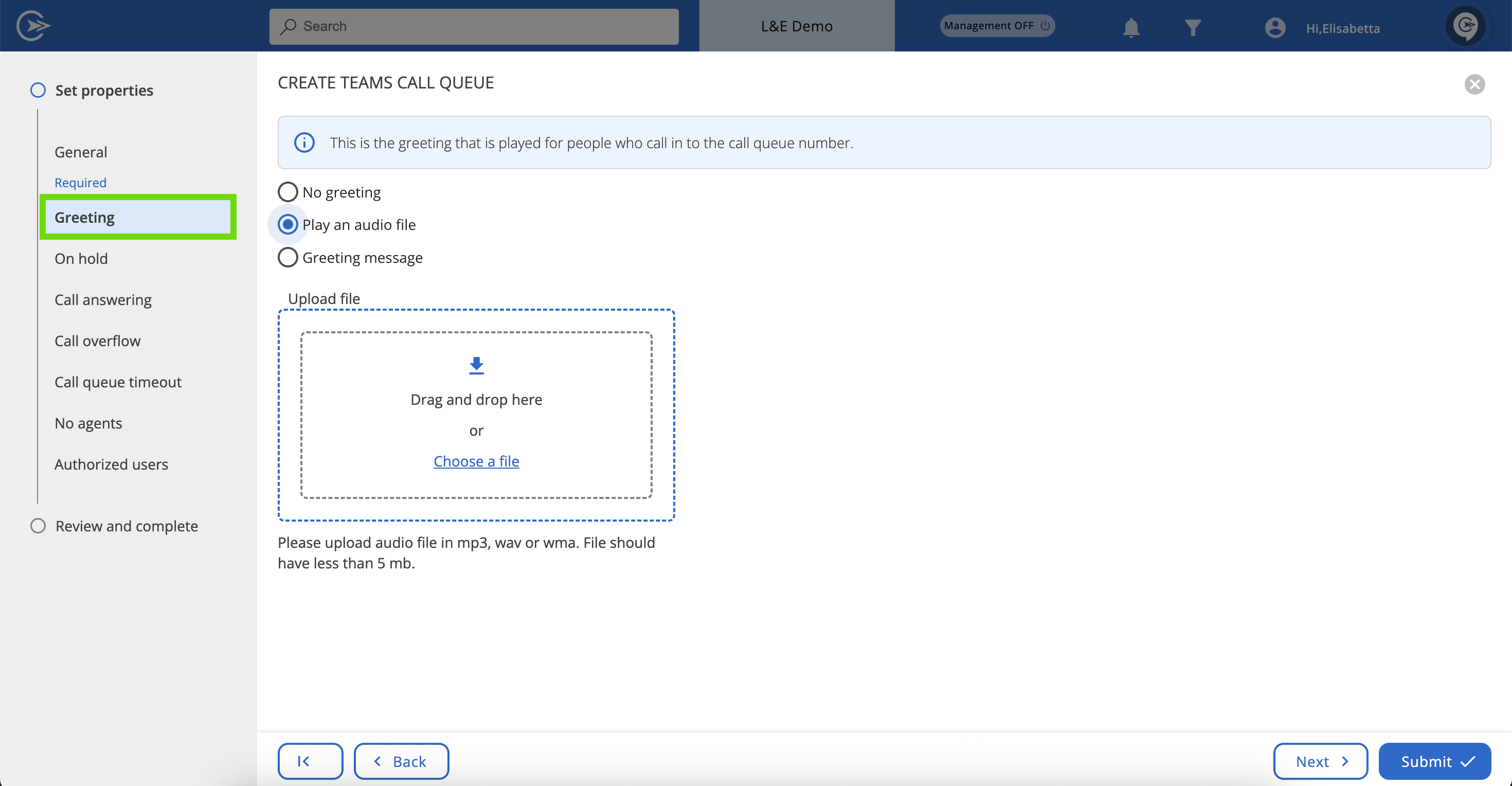
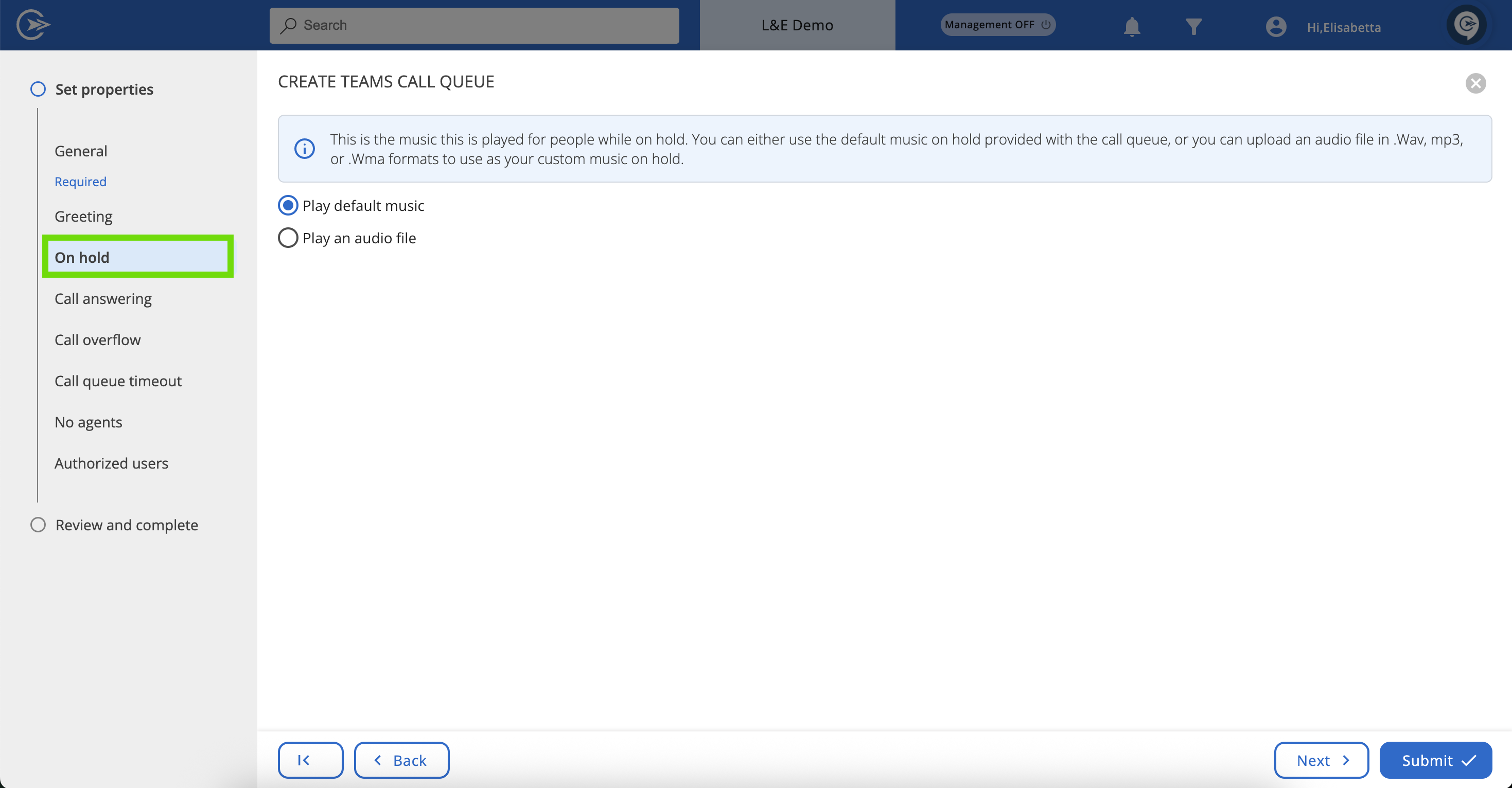
This is the music that plays for people while they're on hold. You can either use the default music provided with the call queue, or you can upload a custom .wav, .mp3, or .wma audio file to use as your on-hold music.
Here, you can add the users and groups who will serve as call agents and receive calls from the call queue. The service will prioritize the users in the list first, followed by the groups. The order of users and distribution groups will be respected by the service, depending on the routing type you choose.
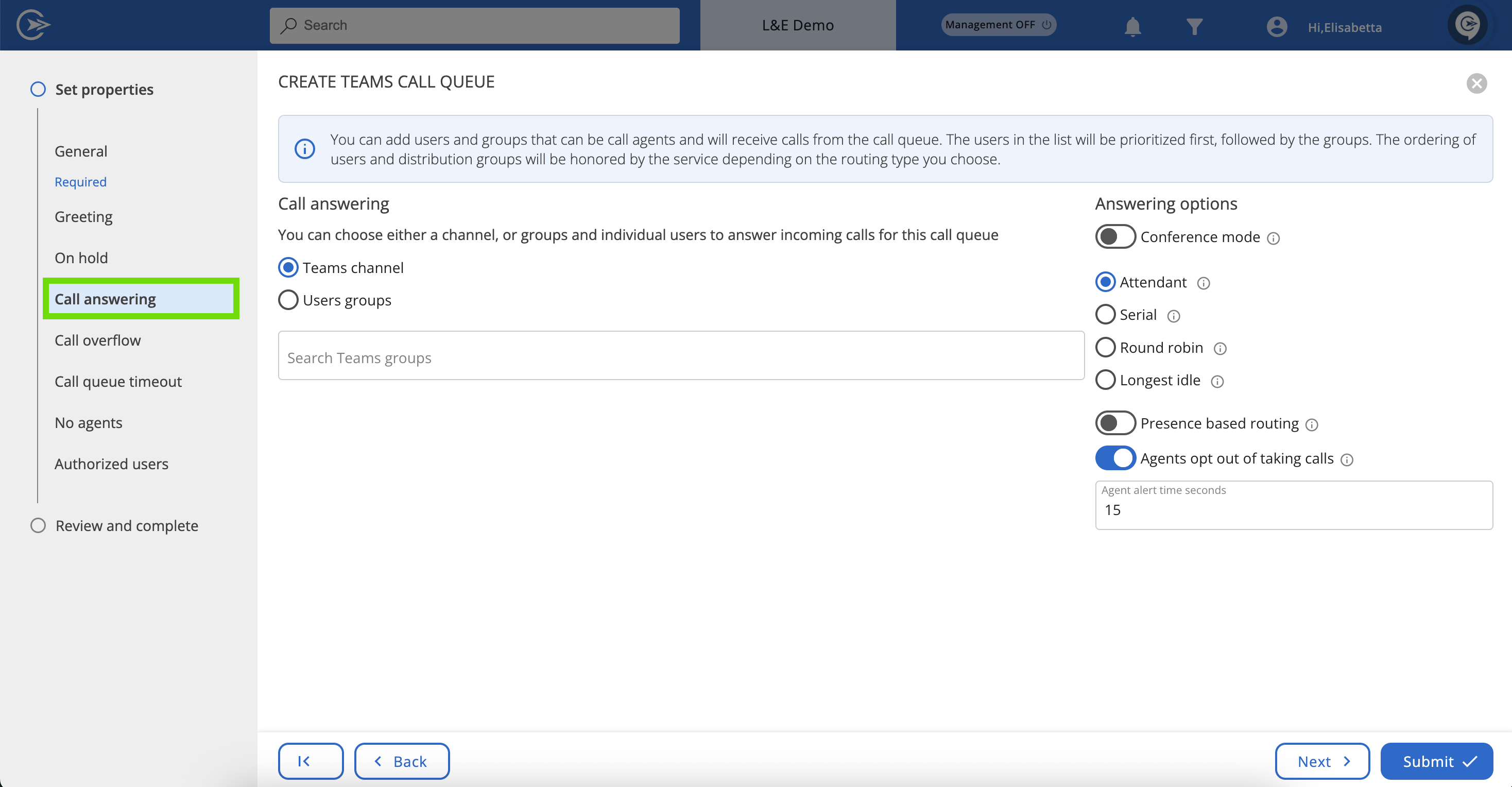
Key terminologies
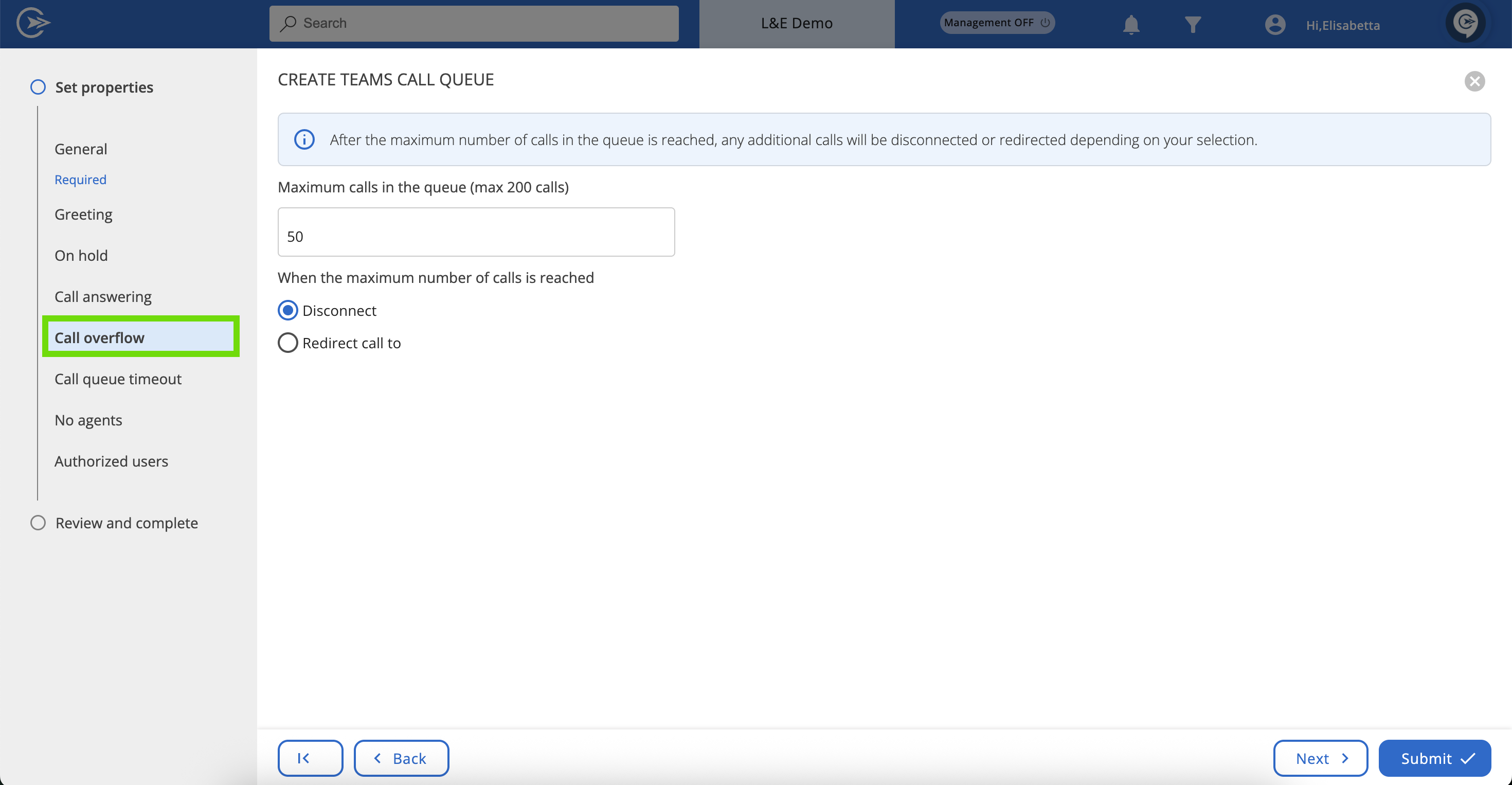
Here, you can set the maximum number of calls that can be in the queue at once, based on your needs. The limit is 220 calls. Once the maximum number is reached, any additional calls will either be disconnected or redirected, depending on your selection below.
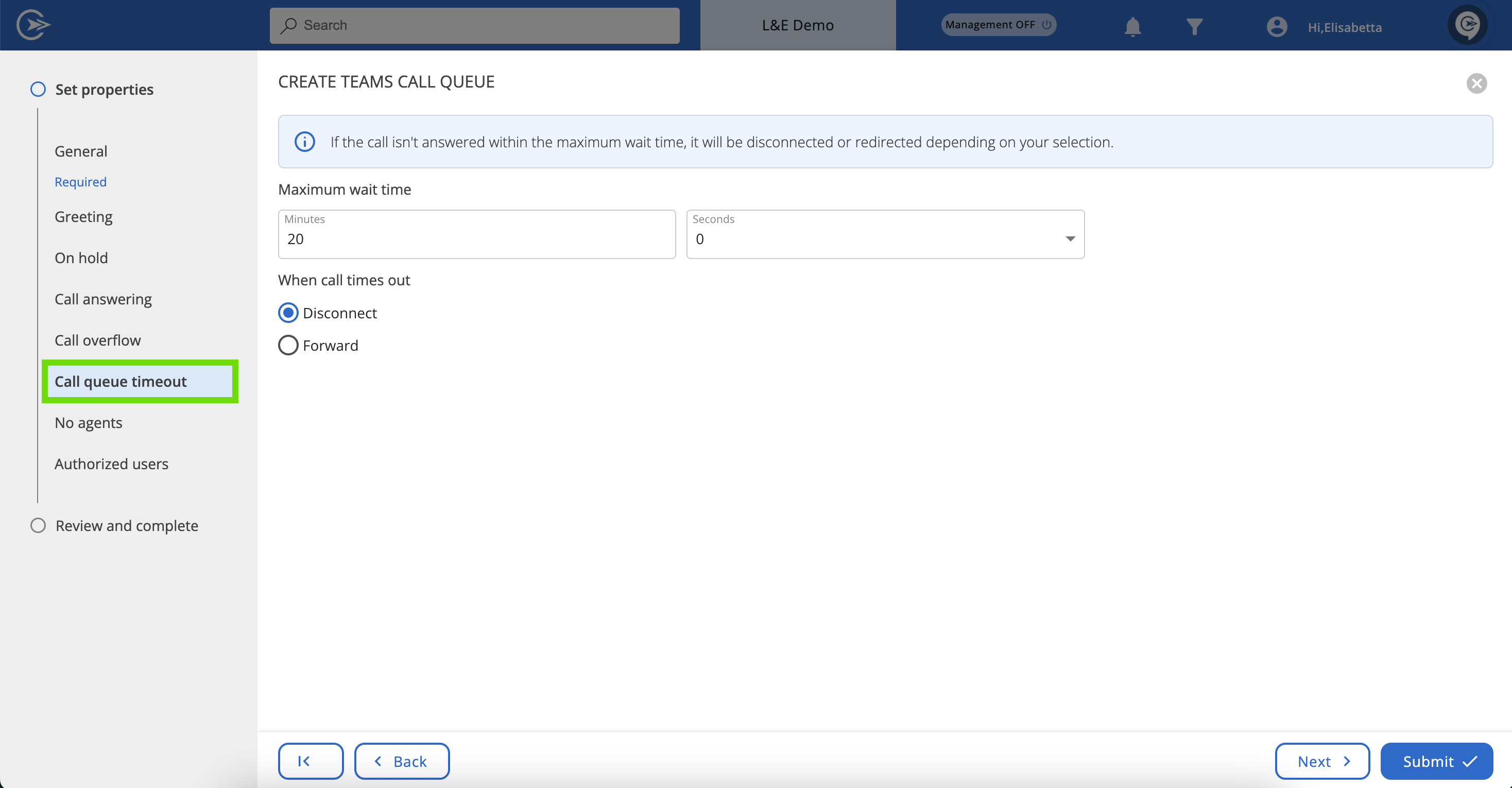
Here, you can set the maximum wait time. You can also decide if the call will be disconnected or forwarded once this time limit is reached.
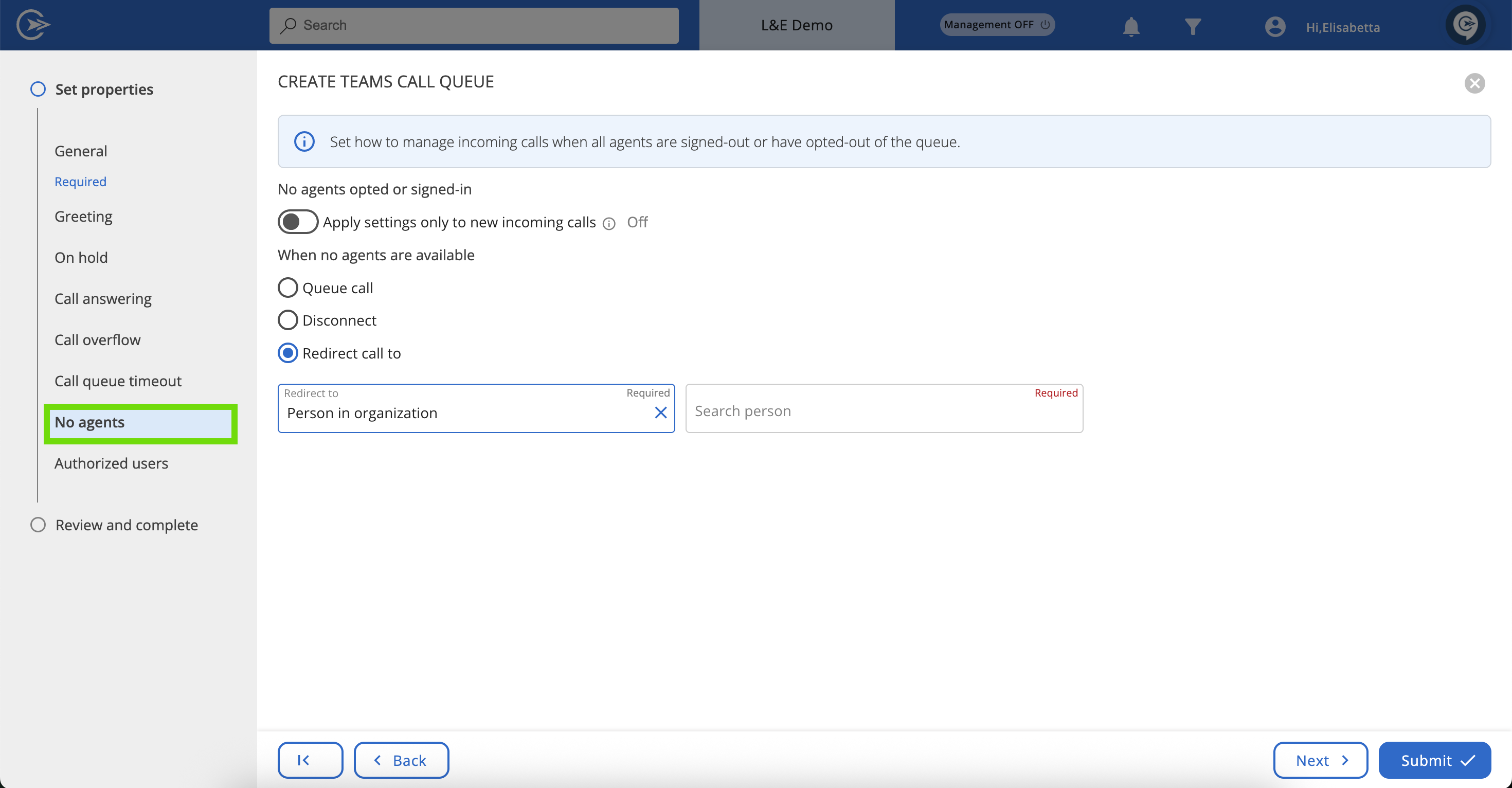
Here, you have the power to queue, disconnect, or redirect calls when all agents are away. Use the toggle at the top of the tab to apply settings to new incoming calls only.
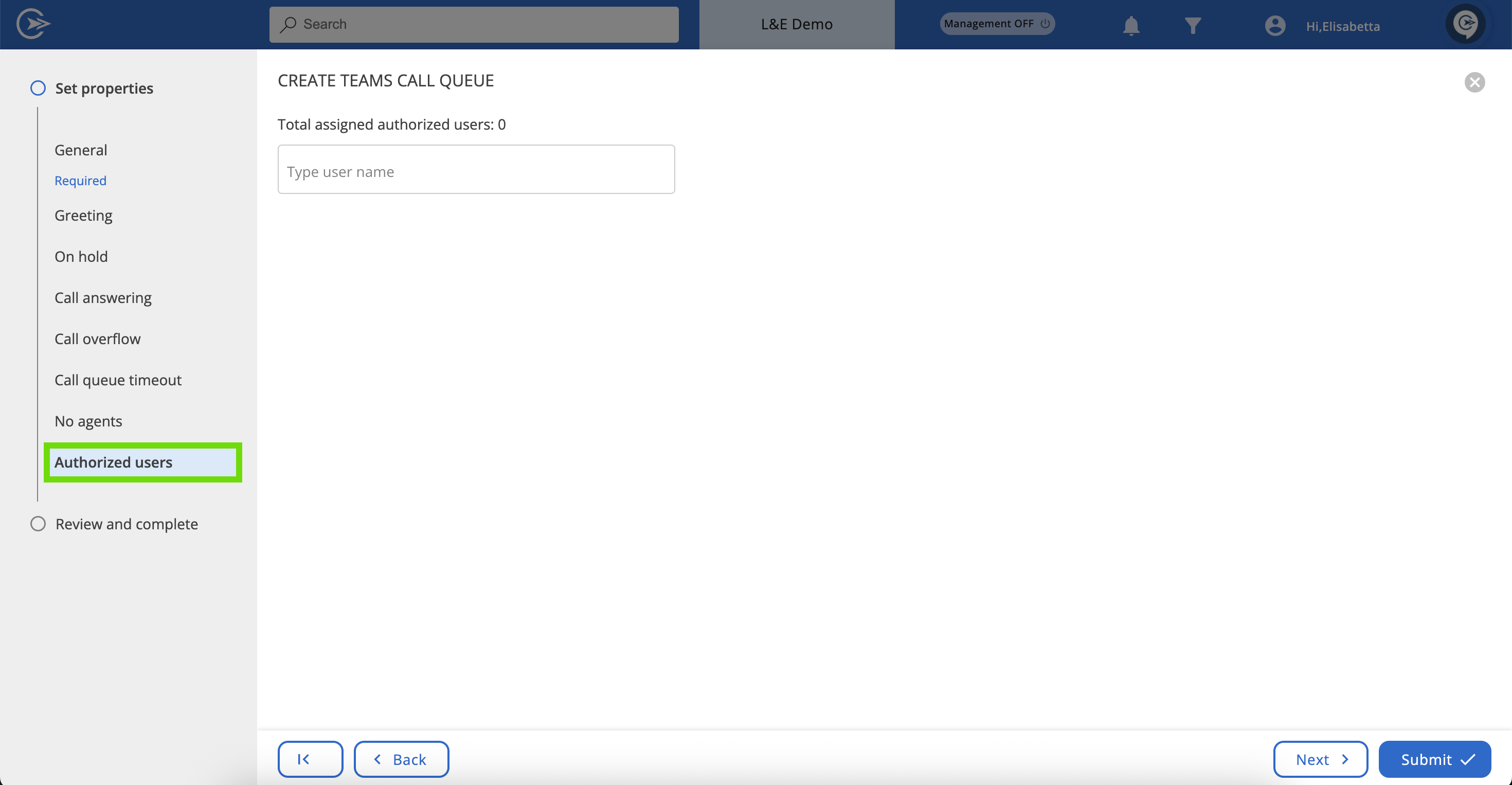
Here, you can specify the users who are authorized to make changes to this Auto attendant.