For Education and Higher Ed IT teams

Microsoft 365 doesn’t pause for finals week. Neither do attackers.

The average higher-ed Microsoft 365 tenant is an expanding attack surface: hundreds of admins, thousands of ungoverned permissions, and no single record of what changed, who changed it, or whether it should have changed at all. CoreView gives central IT control of who can change what, across every campus and tenant.


Trusted by schools, colleges and universities worldwide...

...including America's largest urban public university system
Greyscale image of the Penn Medicine logoGreyscale image of the Los Angeles Unified School District logoGreyscale image of the Stanford University logo
Greyscale image of the College de Paris logoGreyscale image of the Atlantic Technology University logoGreyscale image of the Washington State University logoGreyscale image of the Lincoln University logo logo
Greyscale image of the DeVry University logoGreyscale image of the City University of New York logoGreyscale image of the Indiana University Health logo

How higher ed IT teams secure M365 without adding headcount or budget.

~2m

Staff, faculty, and students under management at our largest higher ed customer (City University of New York).

$100k

Saved through M365 license recovery and waste prevention (a leading academic health system in the US).

~69k

Automated tasks per month across 49 active workflows at one institution (A private higher education network in France).

400

Primary and secondary school tenants managed by a team of five (UK county schools team).

In education, the tenant never stops changing. That's what makes it hard to secure.

Autonomy at scale

Every campus wants its own administrative patch. Faculties, schools, districts, and research groups all want ownership over their own Microsoft 365 environment. Central IT cannot say no without slowing teaching and research. But every delegated admin account that isn't scoped, reviewed, or offboarded correctly is a standing security risk.

Admin sprawl that grows with every restructure
Inherited rights that outlive the people who created them

The academic calendar makes every security gap visible

Configuration drift, ungoverned permissions, and unreviewed admin access don't surface on a convenient timeline. In higher ed, they surface during finals, accreditation visits, and grant deadlines. There's no recovery slack and every failure is public.

One bad change can lock out thousands of students at once
No quiet window to investigate, remediate, or explain what happened

Population churn and identity risk

New cohorts every September, mass offboarding every spring, contractors and visiting faculty year round. Every wave of onboarding and offboarding is a lifecycle event. And every lifecycle event that isn't handled cleanly leaves accounts, permissions, and access that shouldn't exist.

Stale identities and abandoned licenses accumulate
Onboarding bottlenecks during the worst weeks of the year

When Microsoft 365 breaks,
the academic year does not pause

Ungoverned permissions, stale identities, and unreviewed config changes don't wait for a convenient moment to surface. The academic calendar means they surface at the four windows below, in public, with no recovery slack.
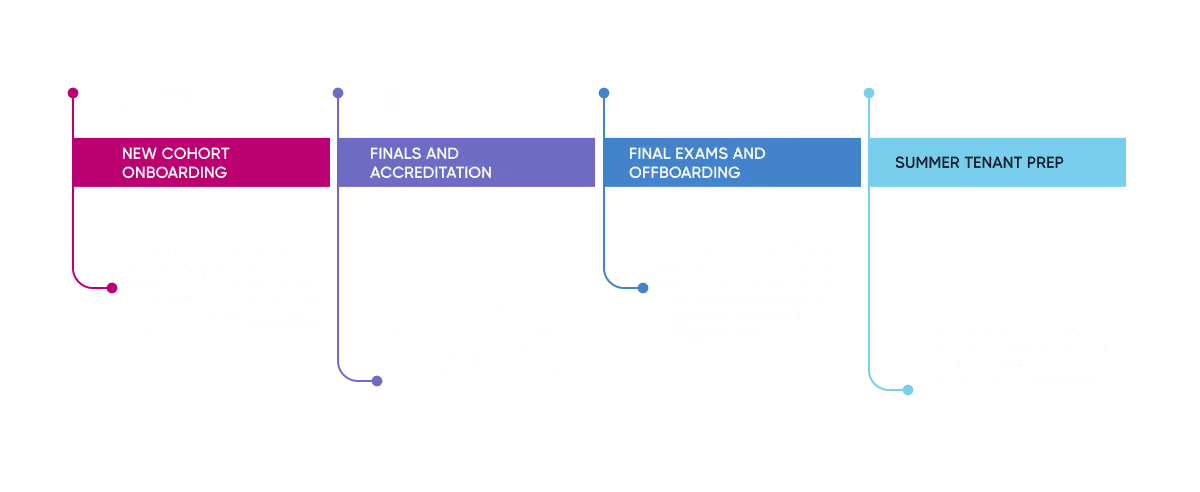
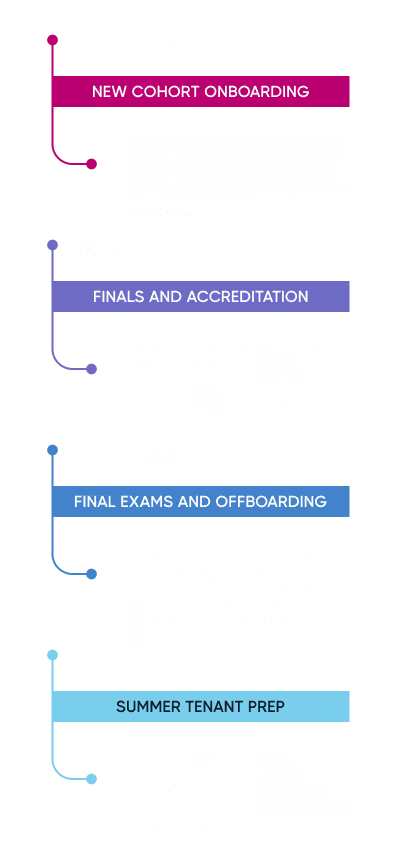
Timeline depicting major events and dates in the academic year Timeline depicting major events and dates in the academic year

Higher-ed environments combine open collaboration settings, high student-account turnover, and distributed admin access. Those are exactly the conditions that create exploitable gaps. The academic calendar means there's no quiet week to find them before someone else does.

Four key CoreView controls for every tenant, every campus, every term

Govern every Microsoft tenant

Manage many separate tenants centrally or carve one tenant into virtual tenants. Delegated admin scoped per campus, faculty, school, or district. Single audit trail across every tenant.

Detect and control configuration drift

Continuous drift detection against CIS, Essential 8, or your gold image. Tracks changes to Teams, SharePoint, Entra, retention, and sharing policies. Surfaces risk before it becomes a finding.

See what changed across every tenant

Full record of every config change, by tenant, by admin, with timestamps. Alerts via email, Teams, ServiceNow, or your SIEM. Side-by-side comparison of student, staff, faculty, and test tenants.

Restore before disruption spreads

Roll back a single rule or a whole tenant in minutes, not days. Continuity when key admins leave between academic years. Change history for accreditors, auditors, and safeguarding reviews.

No two education environments look alike. CoreView runs in all of them.

Multi-tenant and multi-campus governance
Manage many separate Microsoft tenants from one console, or carve a single shared tenant into virtual tenants per campus, school, or faculty. Whichever shape your institution actually takes, central IT keeps the keys. And every constituent unit gets the autonomy it expects.
Term-time tenant resilience
Back up Microsoft 365 configurations daily. Detect drift before exam week. Roll back specific settings without rebuilding workloads. Use a production, test, and dev pattern with a single gold image so changes never go live blind.
Automation and identity lifecycle at scale
Automate onboarding for every new cohort and offboarding for every leaver. Every account that isn't closed cleanly is an identity risk. Run workflows from ServiceNow, your HRIS, or Entra so lifecycle stops being a manual process and starts being a controlled one.
City University of New York

How 26 campuses got real autonomy inside one Microsoft tenant

CUNY supports approximately two million staff, faculty, and students. The challenge was less about consolidating these campuses and more about giving 26 campuses real administrative autonomy without losing central visibility, security controls, or the ability to recover when something changed that shouldn't have.

One virtual tenant per campus, with admin scope limited to that campus only

Workflows and management actions deliver service requests at scale without elevating central admin access

Central IT keeps a single audit trail of who changed what, where, and when across all 26 campuses

After an eight-month renewal cycle, CUNY committed to a three-year renewal with annual installments

"CUNY needed a way to augment and extend Microsoft's native tools to enable secure delegation of administrative functions. CoreView provides us with that capability,"
— James Haggard, Deputy Chief Information Officer
26
Campuses inside a single M365 tenant
~2m
Staff, faculty, and students under management
3 yr
Renewal with annual installments
Read the full case study

How to get started without disrupting your live environment

Day one is read-only and term-safe. You can connect, see, and report before you change anything.

1

Connect, read only

Works with Commercial M365, MicrosoftEducation A1/A3/A5, and hybrid environments. No changes to your tenant on dayone. Term-safe.

2

Mirror your real org

Map how the institution actually operates. Campuses, faculties, schools, districts, research groups, or any mix become virtual tenants with their own scope.

3

Set the academic baseline

Compare every tenant to an approved gold image: CIS, Essential 8, your internal standard, or all three. Drift gets flagged automatically.

4

Recover without rebuilding

When something breaks, pick a date androll back. A single rule, a whole tenant, or anything in between. No screenshots, no tickets, no manual rebuild.

5

Standardize across the system

Compare configurations across every tenant under management. Promote one validated baseline across every campus, school or district.


More from our education customers running on CoreView

Washington State University
Uses CoreView to monitor tenant configuration and reduce security risk across its Microsoft 365 environment, with visibility into admin privileges and delegated access.
Los Angeles Unified School District
Relies on CoreView to maintain a consistent, secure tenant configuration across environments, helping ensure changes are reviewed before reaching production.
Collège de Paris
CoreView delivers significant operational value to Collège de Paris through a highly mature automation deployment.
Bendigo Kangan Institute
Chose CoreView for configuration backup and drift detection, supporting a secure foundation as the institute adopts new Microsoft 365 capabilities.
Indiana University Health
Depends on CoreView to manage Microsoft 365 licensing efficiently, helping control costs across a large, complex environment.

Built for institutions that have to document security, not just practice it.

Accreditation cycles, safeguarding reviews, regional regulators, and Microsoft's own deployment rules all expect documentation.


SOC 2 Type II
GovRAMP Premier Partner
CIS Bench marked
ISO 27001 & 27018
In-Region Data Residency
Microsoft Partner

Educational Establishments FAQ​s

FAQ icon depicting a question mark inside a speech bubble

Does Microsoft back up our tenant configurations under our Education licensing agreement?

No. Microsoft's shared responsibility model applies regardless of licensing tier. Microsoft protects the infrastructure. Your institution is responsible for tenant configuration, access controls, and policy settings. Microsoft 365 Education licensing does not include backup or restore for tenant-level configurations.
FAQ icon depicting a question mark inside a speech bubble

Our Microsoft environment includes students, faculty, staff, researchers, and, in some cases, a medical or law school. Can we manage access differently across those populations without splitting into separate tenants?

Yes. CoreView's Virtual Tenant Segmentation creates scoped boundaries inside a single Microsoft 365 tenant. A medical school admin manages only their users and settings. A research division operates independently. Students don't share an access scope with faculty. None of that requires separate tenants or separate Microsoft licensing. Central IT can still enforce standards and policy across the full environment, and delegated admins just operate within their own approved scope.
FAQ icon depicting a question mark inside a speech bubble

We're subject to FERPA, and some of our divisions fall under HIPAA or CMMC for research. How does CoreView support compliance across multiple frameworks?

CoreView is not a compliance product, but it helps your team produce the evidence those frameworks require. It keeps a timestamped record of configuration changes, who made them, and what the prior state was to support incident documentation, access control reviews, and configuration management controls for FERPA, HIPAA, and CMMC.

It also helps enforce operational separation inside a single tenant. A medical school admin can be scoped to their own environment. Student-facing IT staff can be restricted from faculty or research data. That kind of access boundary supports compliance goals without forcing the institution into separate Microsoft 365 tenants or licenses.
FAQ icon depicting a question mark inside a speech bubble

Our IT team is small relative to the size of our environment. What does the day-to-day operational lift look like when using CoreView?

Lower than you'd expect. Most teams connect CoreView in a day, and configuration data starts populating within 24 to 48 hours. After that, drift alerts, change tracking, and lifecycle workflows run in the background.

The teams that get the most value tend to set approved baselines up front, then use the platform to flag deviations instead of hunting for them manually across portals and scripts.
FAQ icon depicting a question mark inside a speech bubble

Is Microsoft 365 Education secure out of the box?

No. Microsoft provides the infrastructure and the toolset, but the tenant still has to be configured and governed by your institution. External sharing, guest access, admin delegation, and Conditional Access all require deliberate decisions. And in most higher ed environments, those settings may be different across colleges, departments, and administrators over time.

CoreView helps you compare your current configuration to an approved baseline, identify risky settings, and track changes as they happen across one or multiple tenants.
FAQ icon depicting a question mark inside a speech bubble

How long does Microsoft retain admin activity logs in an M365 Education tenant?

The standard audit log retention in Microsoft 365 is 90 days for most licenses, and up to 180 days for E3/A3. In many cases, that is not long enough for an incident review, internal investigation, or documentation request tied to student data or research access.

CoreView retains configuration change history beyond Microsoft's default windows and makes it searchable and exportable. That way, your team is not reconstructing timelines from scratch when someone asks what changed, when it changed, and who made the change.
FAQ icon depicting a question mark inside a speech bubble

What happens to Microsoft 365 accounts when students graduate or withdraw mid-semester?

Without automated lifecycle management, those accounts stay active. Licenses remain assigned. Access to institutional resources (e.g., SharePoint sites, Teams channels, shared mailboxes) often persists for months after a student's last day. At higher ed scale, that's both a security problem and a budget problem. CoreView automates deprovisioning workflows so accounts, access, and licensing are cleaned up on schedule instead of waiting on manual reports and follow-up.
FAQ icon depicting a question mark inside a speech bubble

We're planning to roll out Microsoft Copilot but have concerns about data exposure. Can CoreView help?

Yes, but the most important work happens before rollout. Copilot works from the permissions already in your tenant, so it does not create bad access. It reveals how much bad access already exists.

If staff retain access to content outside their role, if guest access has lingered, or if SharePoint permissions have drifted, Copilot inherits those conditions. CoreView helps you identify over-permissioned identities, stale guest access, and overly broad sharing settings before deployment. After rollout, it monitors for new permission drift so exposure does not quietly accumulate.

See the state of your Microsoft 365 tenant before term starts

Get a clear view of configuration risk, over-permissioned accounts, ungoverned admin access, and gaps across your education environment.

Book a session

A 30-minute working session. We sit alongside your team, look at your real environment, and identify the highest-leverage risks before they hit a critical academic window. No changes to your tenant.

Book a session

Download the one-pager

A short brief written for CIOs, IT directors, governors, and board members. No form. No pitch. Shareable inside your institution.

Download the one-pager