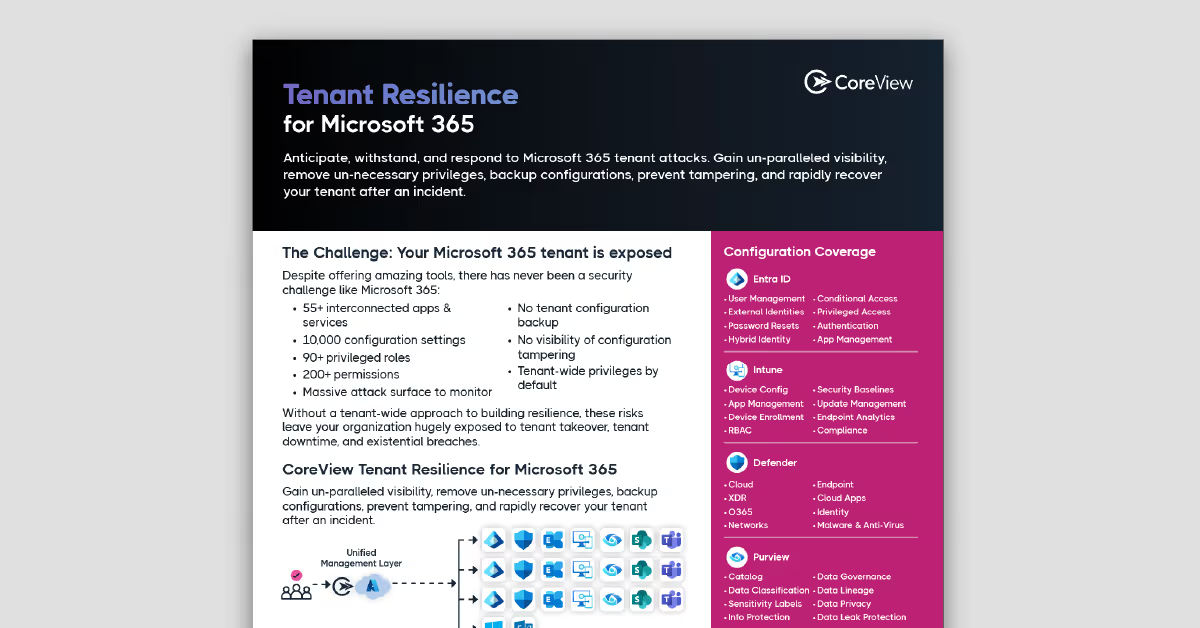
Your mission-critical services depend on a Microsoft 365 environment your teams can secure and control. CoreView helps you segment agencies, secure identities, and restore approved settings quickly.














Multiple departments in a single tenant, inherited roles, and long-standing exceptions make it easy for users to have more access than they need.


A role update, policy edit, or deleted setting can weaken protections or interrupt access across departments before anyone spots the problem.


When a critical setting changes, most teams still have to reconstruct the previous configuration from logs, tickets, and screenshots before they can fix it.

Recent incidents show how weak change control in Microsoft 365 can lead to service disruption, security gaps, and audit exposure.
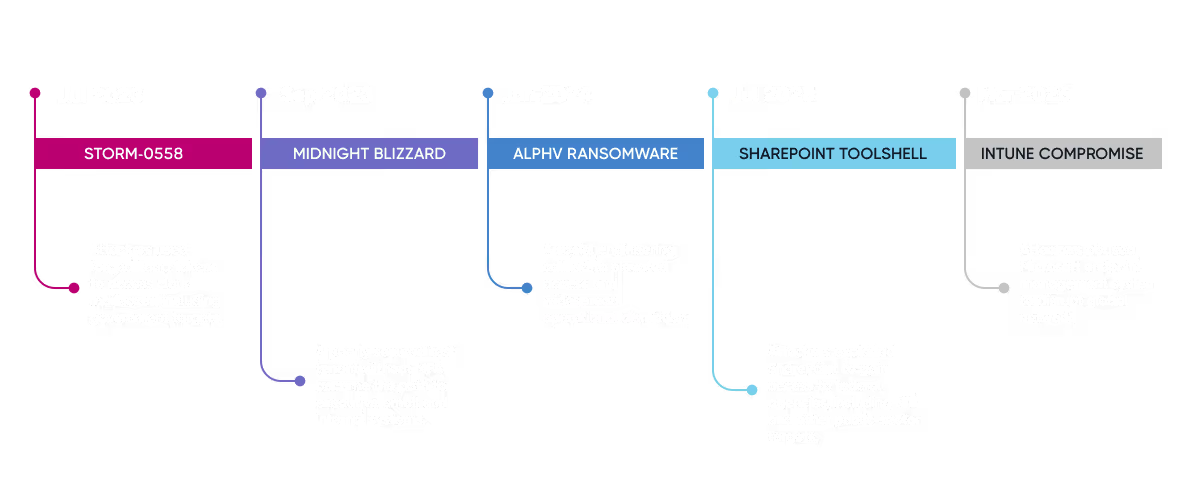
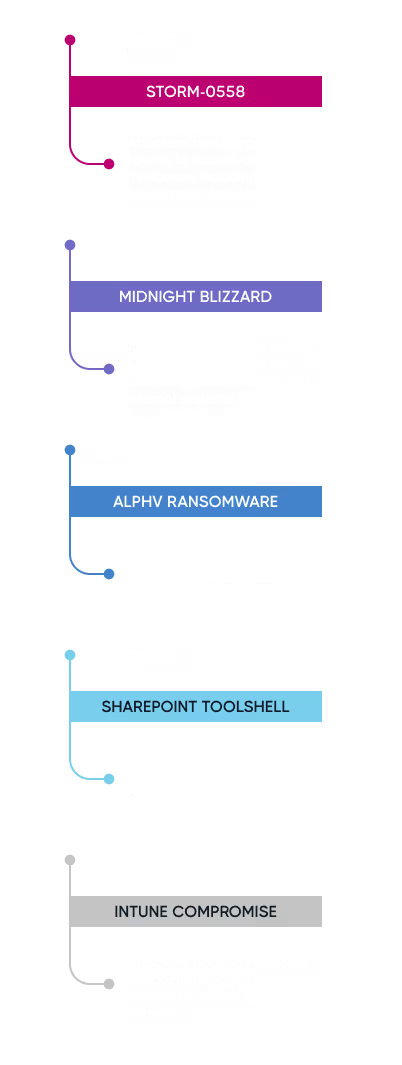
Microsoft took weeks to detect Midnight Blizzard in its own tenant. That’s a warning that your team needs more than native Microsoft logs to trace what changed and recover fast.
Anticipate, withstand, and recover from attacks in Microsoft 365 and Entra


When a setting changes, most teams rebuild from logs and screenshots. CoreView restores it in minutes.

A corrections admin shouldn’thave access to an elected official's files. CoreView segments agencies withoutmultiple tenants.

A setting changed. Who did it, when, and why? CoreView gives you the full audit trail and rolls back unwanted changes.

When administrations change,access granted to their staff often doesn't. CoreView finds stale privileges and removesthem.

As Iowa centralized IT across agencies, the team needed tighter oversight of tenant changes, elevated access, and app dependencies across nine Microsoft 365 tenants. With CoreView, the team was able to:
“CoreView provides a single view across multiple tenants, helping the department act as the overarching IT provider while still accommodating agency-specific requirements.”
– Doug Maxfield, Microsoft 365 administrator, State of Iowa
$200K
saved (unused licenses)
285
tasks automated over 7 months

The State of Hawaiʻi has simplified its cloud telephony environment by moving Microsoft Teams Phone administration from a legacy on premises management system to CoreView.
“CoreView has become an essential part of our technology ecosystem. It allows us to automate routine tasks, reduce errors, and give our departments the tools they need to manage our State's Microsoft 365 services.”
– Christine Sakuda, State of Hawaiʻi Chief Information Officer
$200K
saved (unused licenses)
285
tasks automated over 7 months

Managing Microsoft 365 across dozens of regions, hospitals, and care facilities in a single tenant had become unworkable. Standard administrative roles lacked the granularity the province needed and manual processes couldn't keep up with the scale. With CoreView, the team was able to:
$200K
saved (unused licenses)
285
tasks automated over 7 months
As Iowa centralized IT across agencies, the team needed tighter oversight of tenant changes, elevated access, and app dependencies across nine Microsoft 365 tenants. With CoreView, the team was able to:
“CoreView provides a single view across multiple tenants, helping the department act as the overarching IT provider while still accommodating agency-specific requirements.”
– Doug Maxfield, Microsoft 365 administrator, State of Iowa
$200K
saved (unused licenses)
285
tasks automated over 7 months
The State of Hawaiʻi has simplified its cloud telephony environment by moving Microsoft Teams Phone administration from a legacy on premises management system to CoreView.
“CoreView has become an essential part of our technology ecosystem. It allows us to automate routine tasks, reduce errors, and give our departments the tools they need to manage our State's Microsoft 365 services.”
– Christine Sakuda, State of Hawaiʻi Chief Information Officer
$200K
saved (unused licenses)
285
tasks automated over 7 months
Managing Microsoft 365 across dozens of regions, hospitals, and care facilities in a single tenant had become unworkable. Standard administrative roles lacked the granularity the province needed and manual processes couldn't keep up with the scale. With CoreView, the team was able to:
$200K
saved (unused licenses)
285
tasks automated over 7 months
Read-only to start. Works in Commercial, GCC, GCC High, DoD. No changes to your environment.
Every setting that governs access, sign-in, sharing and retention — recorded on a timeline.
Plain-language alerts in email, Teams, ServiceNow or your SIEM. Who changed what, and when.
Pick any date. Roll back a single rule or the whole tenant to its last-known-good state.
Compare tenants across departments, districts or campuses. Promote one "gold" baseline everywhere.
”
At the state level, we manage 30 different agencies… With our limited staff, it would be
impossible to maintain all of our configurations compliant without CoreView.
M365 Manager
State Government
”
I work for 9 elected officials, and we keep their environments separate through Virtual Tenant Segmentation. This avoids one of the worst-case scenarios - that a misconfiguration allows a prosecutor and a public defender access to each other's info, which would affect people's constitutional rights.
CIO
Local Government
”
We chose CoreView to give us greater visibility into our Microsoft 365 environment, increase automation, and add tenant configuration backup and restore to address a critical security gap in our strategy.
Industry practitioner
Local Government
The CoreView platform is created to meet the compliance, deployment, residency, and Microsoft ecosystem requirements enterprise and public sector teams expect.
“CoreView is demonstrating leadership in enabling SLED organizations to operate with greater confidence in the cloud.”
– Tony Sauerhoff, GovRAMP Board President, Texas Department of Information Resources Executive Director and State Chief Information Officer






See the configuration risks, over-permissioned identities, and operational gaps across your Microsoft 365 environment. Then explore CoreView in the way that suits you – through a hands-on working session or a quick overview to share internally.
Book a 30-minute working session with our public sector team. We’ll walk through your tenant with you, without changing anything in your environment.
Book a sessionStart with the one-pager and two-minute explainer for your CIO, board, or council. No form. No pitch.
Download the one-pager